USB LED RGB Programmable Fan, SAYTAY Mini Flexible USB Gooseneck Programmable
Fan for PC Laptop Notebook Desktops (New RGB Version) (RGB):


-3%

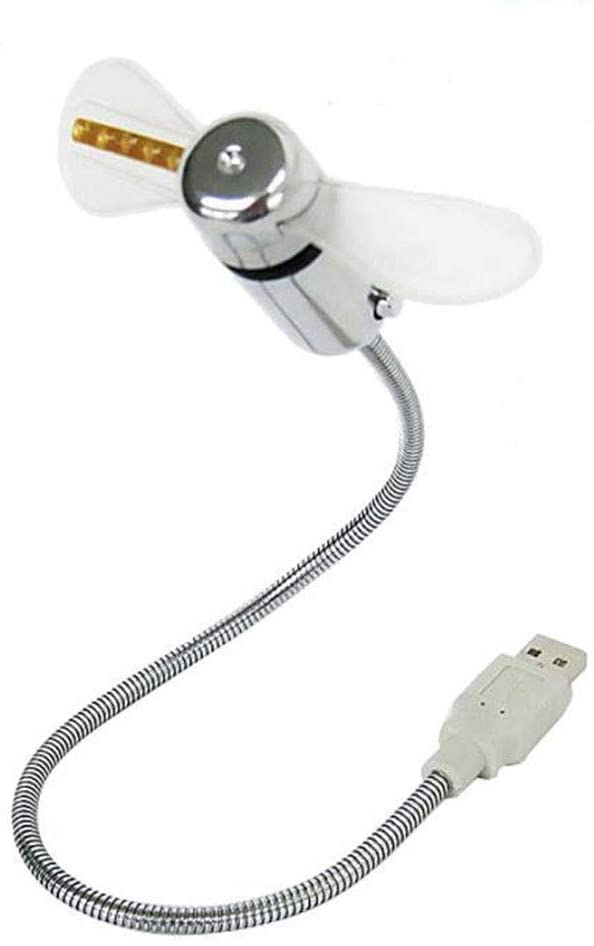
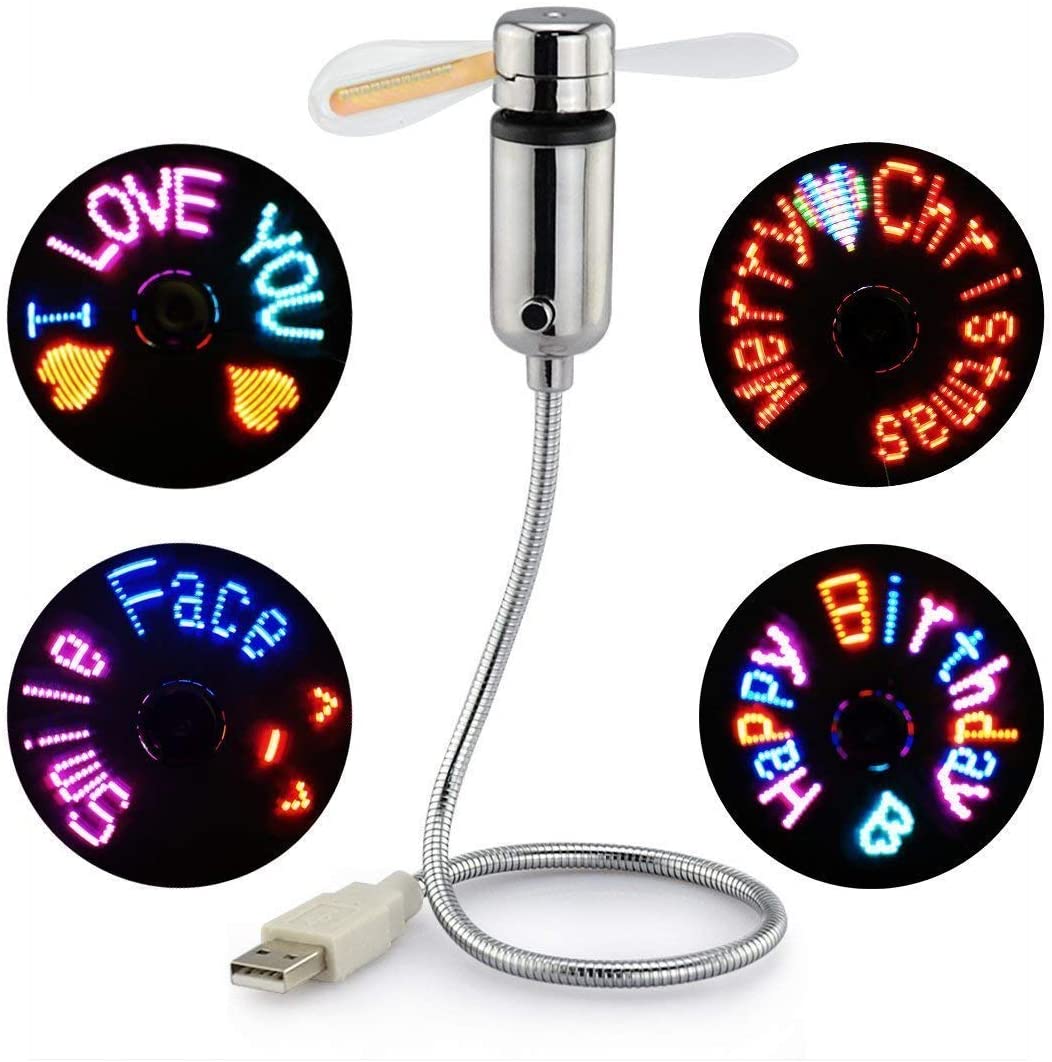
USB LED Programmable Fan
Original price was: $30.99.$29.99Current price is: $29.99.
Product Description


USB LED Fan, SAYTAY New RGB LED Programmable Fan Flexible Gooseneck Mini Cooling USB Fan for PC Laptop Notebook Desktop
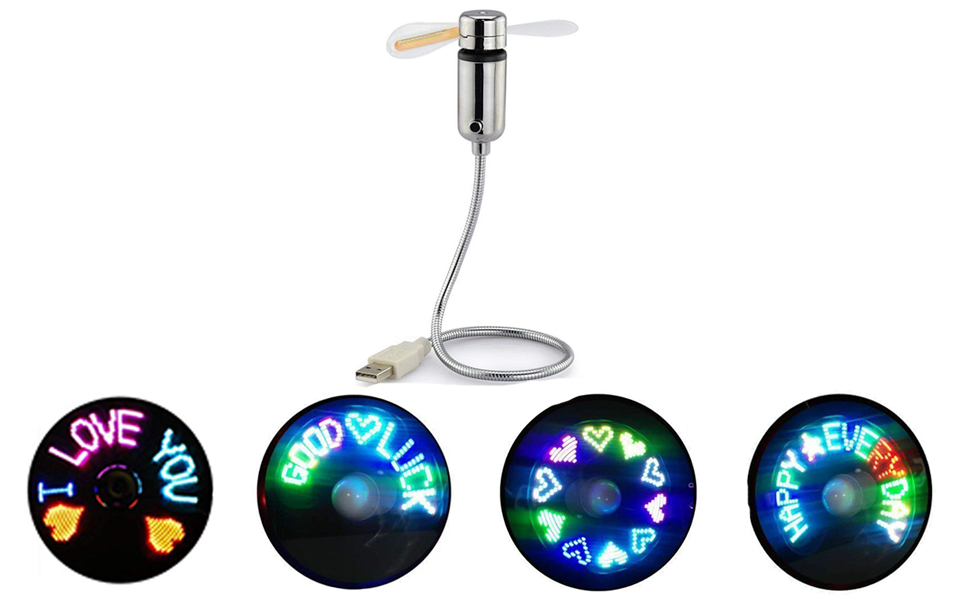 User can edit the LED message by software via connecting USB poet to computer(NO data cable is needed)
- Message can be kept permanently even when the power is removed, 20 messages,20 letters per message
- Programmed text or message transfer by micro wave.
- CD-R software can be applied to Windows operating system only.
 |
 |
 |
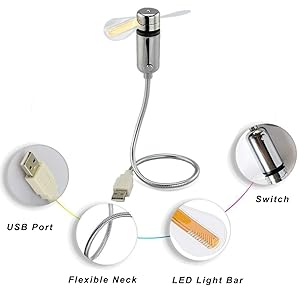
- PVC soft fan blades are safe to use
- The gooseneck is flexibly bent
- The ON/OFF button can set the time
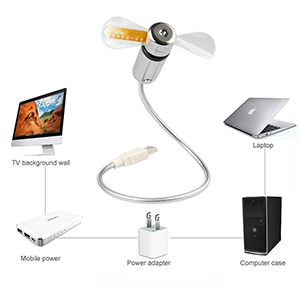
- Powered by the usb port only
- Universal Compatibility
| Suitable for desktops and laptops, simply plug in any USB port on your laptop or PC without installing a driver |
- Specifications
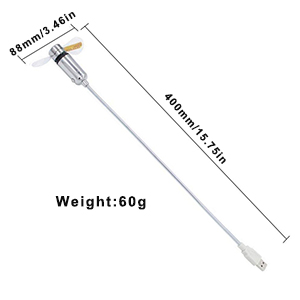
| Working Voltage: DV 5V Current:≤350mA | Switch:Key switch Weight:60g | Product Length: 40cm/15.75in | Fan Diameter:88mm/3.46in |
Please Noted:
- Do not touch the spinning fan blades.
- Do not exert to much pressure on the USB connection when adjusting the flexible neck.
- Keep your face and hair away from the spinning fan blades.
- Please turn off the fan when you do not use it.
- Give it a break after 4-5 hours working. It will prolong the service life
Product Included:
- Programmable USB Fan x 1
- Software CD x 1
| Color | Rgb, Temperature |
|---|
Add a review
Add a review
You must be logged in to post a review.
Related products
-
Monkey Vegetable Peeler
Original price was: $35.00.$29.99Current price is: $29.99. -
Antique Book Tissue Box
Original price was: $50.00.$39.99Current price is: $39.99. -
8 GB USB Finger shaped
Original price was: $22.99.$19.99Current price is: $19.99.


John in NY –
The install, programming and use couldn’t have been easier!Just put the CD in the computer disc drive (Yes it fits… all disc drives have a small section for mini-CDs), copy the folder to my hard drive, open the folder, click on a symbol, the program opens.The instructions are a little hard to follow at first. Look for the page numbers and start at #1. Obviously printed on flat paper and folded, so Page 1 is on, what feels like, the back.One of my cheapest, but best, buys on Amazon!
Michael J.P. –
This product is absolutely awesome. I bought on a whim just to see what it could do, and so far I’ve been absolutely enamored with it. As long as you follow the directions you won’t encounter any problems, at least from my experience. My only issue with the software provided to program this device is that the editor isn’t as straightforward to use as I would have liked. For example, I still haven’t figured out how to include more than one color at a time, and there isn’t any way to figure it out other than by trial and error. I didn’t subtract a star because of it, because I feel perhaps user error could be to blame for my difficulty here.
Marcus Sheker –
Along with letters, you can alter any pixel, make any shape. I couldn’t get 20 character per line. I’ve noticed in the software, there are 11 led (pixels) vertical, and 144 pixels (max) horizontal. And, each character is 8 pixels wide. So (144 pixels) / (8 pixels/char) = 18 characters max (not 20).The one drawback is, every pixel in the same vertical column has to be the same color (of only 7 different colors. 8 if you include black, if pixel off.). Why??? The device could handle each pixels having it’s own color. Also, I’ve noticed, there are missing/black spots that can’t have color. See image.I was trying to make a rainbow. It’d be cooler if you could make the rainbow go up/down, instead of sideways.And, not to nit-pick, the software is ok, but i wish you can control the timing of and for the different sequences. But, regardless, I’m still giving this 5 stars.
Oniomaniac –
I bought one that showed a clock face at a gift shop on a recent trip to Canada, and it got some attention at work. Of course it also works as a decent ‘air flow-er’, making the still air in my work space move when it gets stuffy. I had looked up the device on Amazon and had noticed this programmable one and had thought of getting it a few times. The reason I have been holding off is the negative reviews about it broke after some use (hope that does not happen) and it is not detected by the PC and so it is not programmable.It came in almost the same package as the clock fan and the fan looks almost identical. The software is on a tiny CD and the files are small too. I plugged the fan to my PC’s USB port and it displayed the messages it came with. At first I was worried as I did not see any message on my PC saying it detected the device, but the software had an icon that supposedly implied the device was detected. I typed in a message and tried to upload it and it did not do it. I scanned the manual for answer and realized the fan should be off. I tried again with it off and a green light on the blade began flashing – and after it completed I turned on the fan and it worked as advertised. I found out how to change color and it was simple enough. It is also possible to edit the pixels, with each column of pixels can only be in one color. The fan gives a low humming sound but it is no big deal. I am happy with the purchase now let’s hope it lasts for at least a couple years.3/26/19 – I bought a second one . Summer is coming and I want two to put side-by-side. Rather than flashing bright and sometimes embarrassing text, I just have them flash dots rotating and cycle the dot color. I have them both hanging off from a monitor’s USB ports.
David Valdes –
How to explain it properly!!!!I have never even though about this till I got it. I mainly use it for my son to watch my messages but he is in love with it. We both enjoy this soo much and everyone that see it has the same feeling. It’s programing is extensive and there are a lot of options that you can do.I was afraid this would not last long (for the price) and left it on for two weeks straight without a break. I was amazed to find out that it was working the entire time and wasn’t even hot at the end of the two weeks. (Location) I’m from Florida and here is always hot. So believe me is impressive that this thing worked as it did. I will definitely recommend this to anyone that would like to give a nice surprise to someone else. Or even to play by themselves.This is a quality product and a great toy to show others and brag.
R. Crawford –
This is a neat gadget for my Son that has EVERYTHING! I programmed some sayings that will tickle his funny bone!A good deal for that hard to find gift.The fan it self seems to be quality build. The display is brighter than expected, can see in bright room. Not hard to program, just read the instructions……….
Frankie –
Works flawlessly. Couldn’t use the mini cd. They should just provide a link to a download version. Never mind, I found the download site for a very similar item that other reviewers here have used. (Search for mydigoo mini usb fan) The software is really easy to use, and you can save off your messages in a file, so if you’re swapping messages seasonally, for example, you can save the files, thus avoiding having to type them in again. Goose neck is firm. It’s a little heavy, so I don’t trust to use on my laptop in a vertical position (like on my exercise bike book rail), instead I plug it into my the bike’s USB port, and it provides a reasonable draft on my face.
Randy –
My 1st impressions: Build Quality much better than expected. Text Display: Super Bright IMHO. Resolution/Graphics: Surprisingly good. Built-in Demo: A Nice surprise. Cons: Vibrates a bit (no biggie), The blades are such that blowing air is almost non-existent (another no-biggie as I just was interested in the POV effects). Overall, I can’t believe how inexpensive this POV device is. Recommend you buy it as a POV (Persistence Of View) demo instead of a “full time” fan.
FK –
This is one of the cool toy to learn a POV applications. It is designed and build in with quality standards. It is very easy to program it; I even copied the application to my flash drive and it works on my laptop which doesn’t have a CD drive. I know what it takes to build this toys and I don’t expect it to last long either but this USB LED RGB Programmable Fan has exceeded my expectations. Well done!
aret21 –
I read so many of the reviews, and actually purchased a separate fan as a backup (I feared this one wouldn’t work out).I should also tell you that I normally don’t write reviews, but I felt I should for this item. (Pictures included with my hand for size reference.)***This is FAR BETTER than I expected it to be!***Perhaps people are super picky about noise levels, or other things, but I can tell you that I work in a quiet office (cubicle) and this hasn’t bothered anyone.-The sound isn’t any louder than someone walking by my desk.-The amount of air it puts out is AMAZING, and I’m going to purchase an additional one for my house.-The length is longer than I thought it would be, and the cord stays bent in whatever position I place it.-The fan blades are soft, and I’ve accidentally put my arm into it several times without any issues (aside from me feeling dumb).-The only negative thing I see about it is that the flashing/blinking words are a bit distracting, and I need to find a way to remove them. I know that other users have posted the software link in their reviews, I just haven’t had an opportunity to download it. The fan came with a mini-CD, but my computer doesn’t have a CD/DVD drive, and therefore, it is useless. I’ll probably download the program and find a way to turn the words off.In my office/professional environment, the words probably aren’t acceptable, so that is the ONLY negative thing I can see with this purchase.Absolutely love this!!! Glad I found it!